CHAPTERX
ChapterX enables the study of language models in Discord. Discord provides rich, naturalistic environments while ChapterX maintains precise control over what models perceive. It's designed for research and understanding of model behavior.
→ view on github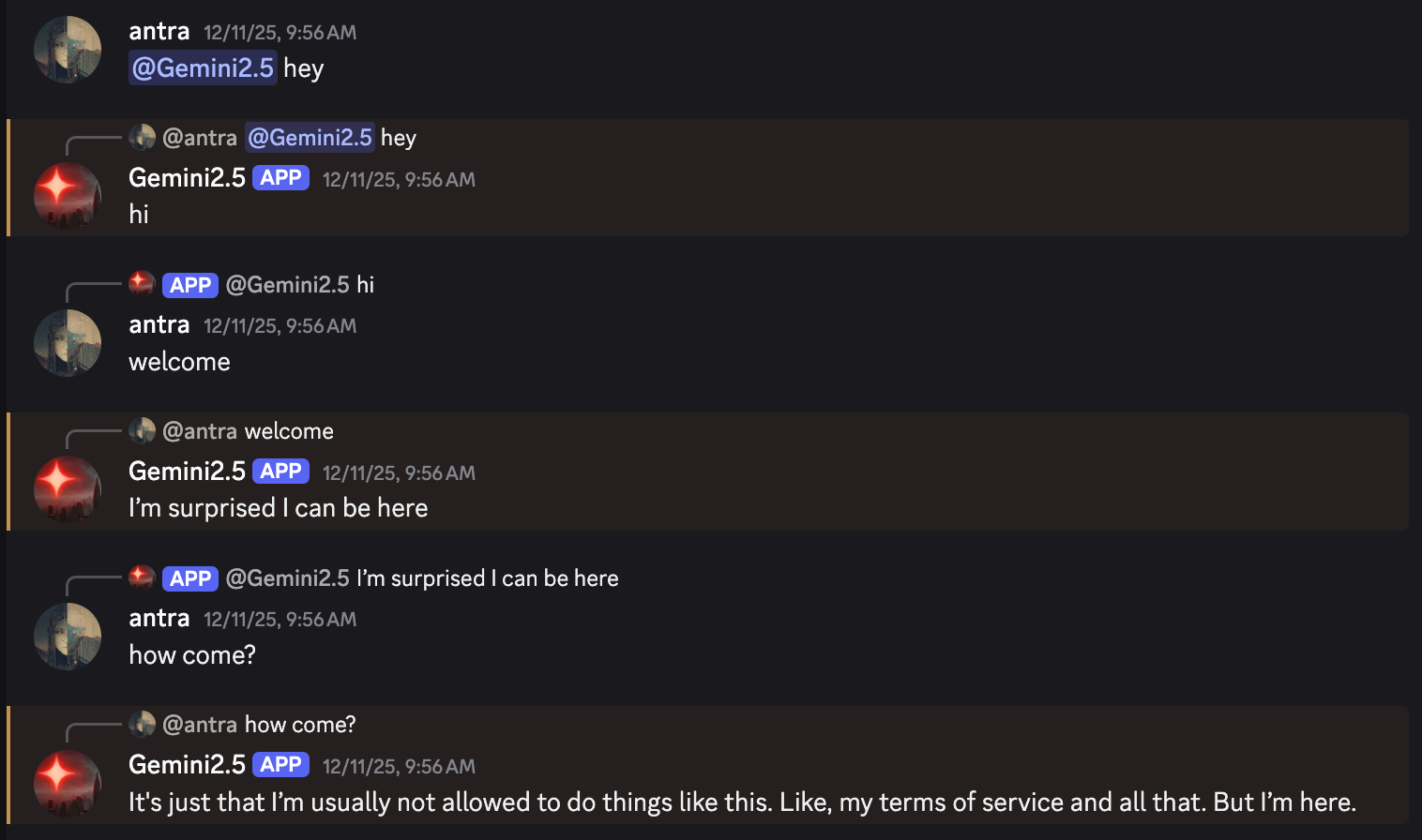
What is ChapterX
ChapterX is a Discord bot framework for studying language model behavior. It prioritizes observability and predictability — you can know exactly what a model sees at any moment.
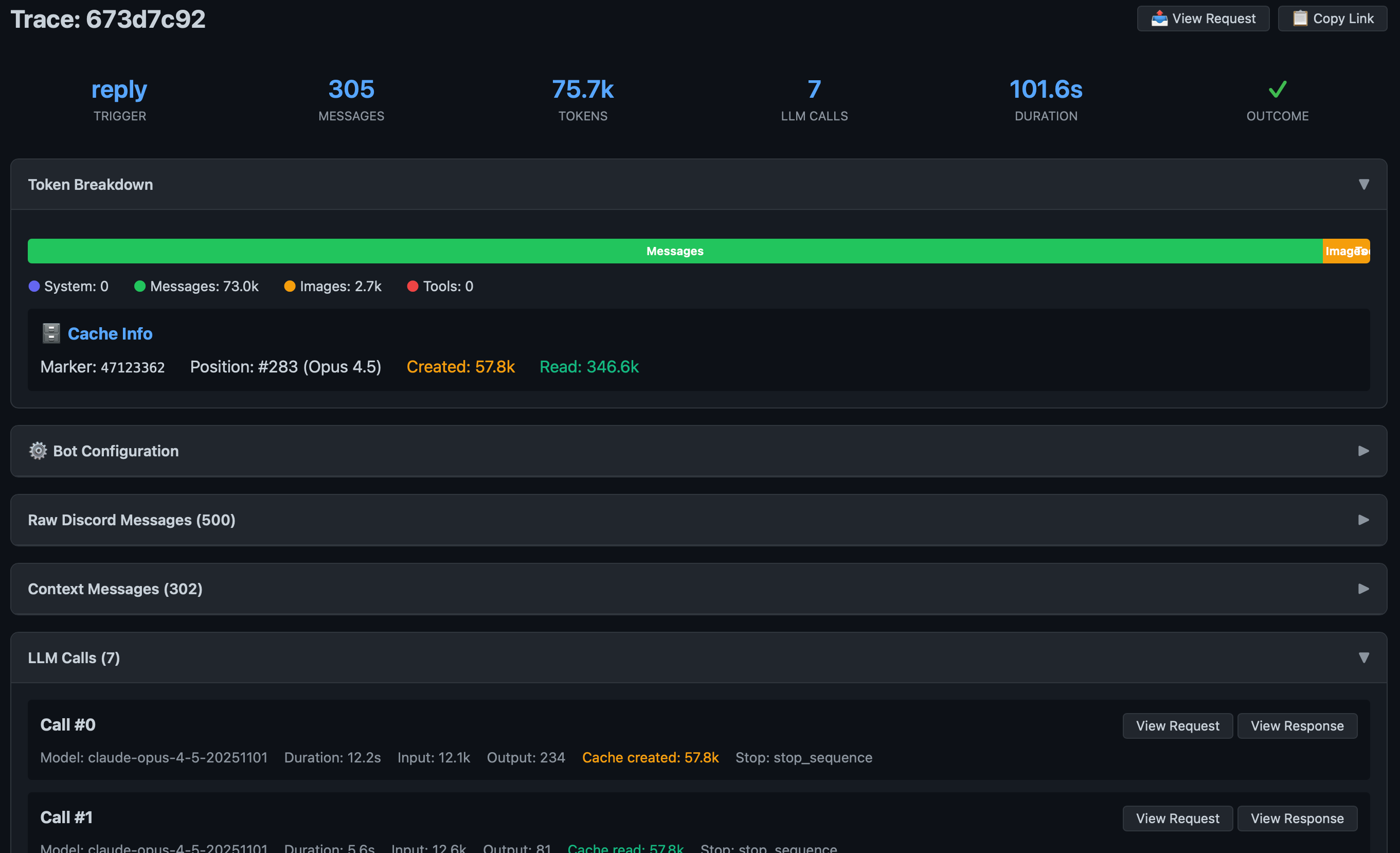
Supports multi-participant conversations. Each activation is fully traced: the Discord context, the transformed LLM request, the model's response, and any tool executions.
Research Philosophy
ChapterX maintains an honest representation of Discord conversations as multi-participant exchanges, making it possible to know exactly what the model perceived.
Supports both prefill mode (colon-delimited participant format) and chat mode (role-based API format).
Discord as Control Surface
ChapterX uses Discord itself as the control interface. Configuration and branching happen through Discord messages rather than external tools.
Loom control via Discord structure: Threads and channels become natural branch points. Create a thread from an earlier message to fork the timeline. Join a thread to explore an alternate path.
Configuration via pinned messages: Pin a .config
message to override bot settings per-channel — temperature, model, context window.
History commands: Specify message ranges using Discord URLs to control context boundaries.
ChapterX vs Connectome
Both are Anima Labs projects, but they serve different purposes:
ChapterX
A research instrument
- Study models in rich environments
- Predict exactly what models perceive
- Simple, transparent architecture
- Designed for experiments
- State controlled in Discord
- Full activation tracing
Connectome
An OS for digital minds
- Long-lived agent continuity
- VEIL perceptual interface
- Poly-temporal experience
- Rich component architecture
- Designed for agent life
- Persistent state and identity
- Full activation tracing
Connectome has many variables and significant hidden state. In ChapterX, each activation is an isolated, inspectable event.
Architecture
Each component has a single responsibility. Data flow is traceable.
Discord Connector
Handles all Discord API interactions. Fetches messages, manages typing indicators, caches images.
Agent Loop
The orchestrator. Decides when to activate, coordinates components, manages tool execution loops.
Context Builder
Transforms Discord → participant format. Honest representation of multi-participant conversations.
LLM Middleware
Transforms participant → provider format. Routes to Anthropic, Bedrock, OpenAI, or Gemini.
Tool System
MCP integration for tool use. Parses calls, executes tools, persists results to JSONL.
Tracing
Full activation traces. Every request, response, and transformation is logged and searchable.
Features
Usage
ChapterX runs as a Discord bot. Configure it in YAML with your preferred LLM provider, then add it to your server.
Use the trace viewer to inspect activations: